

Case List
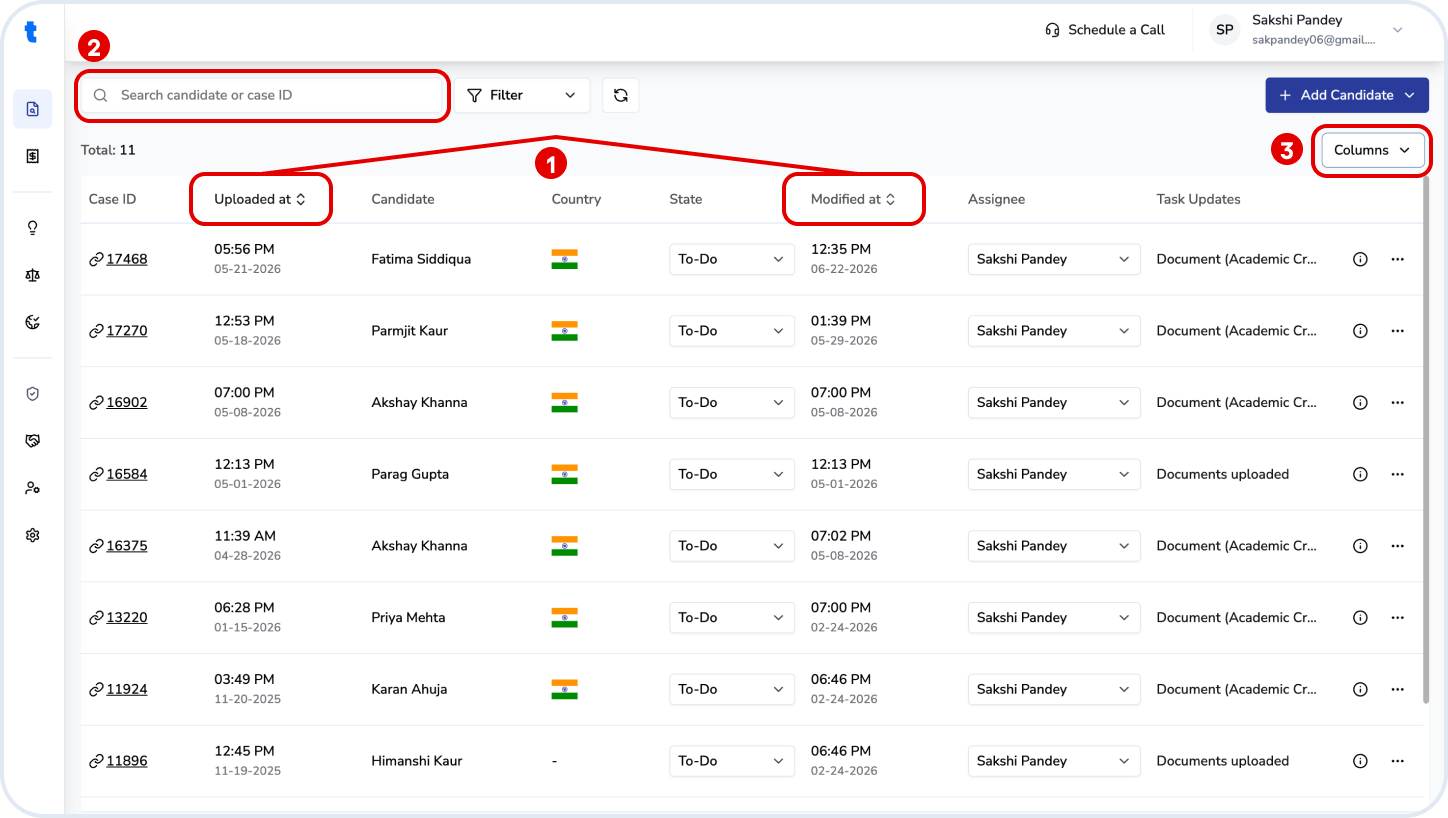
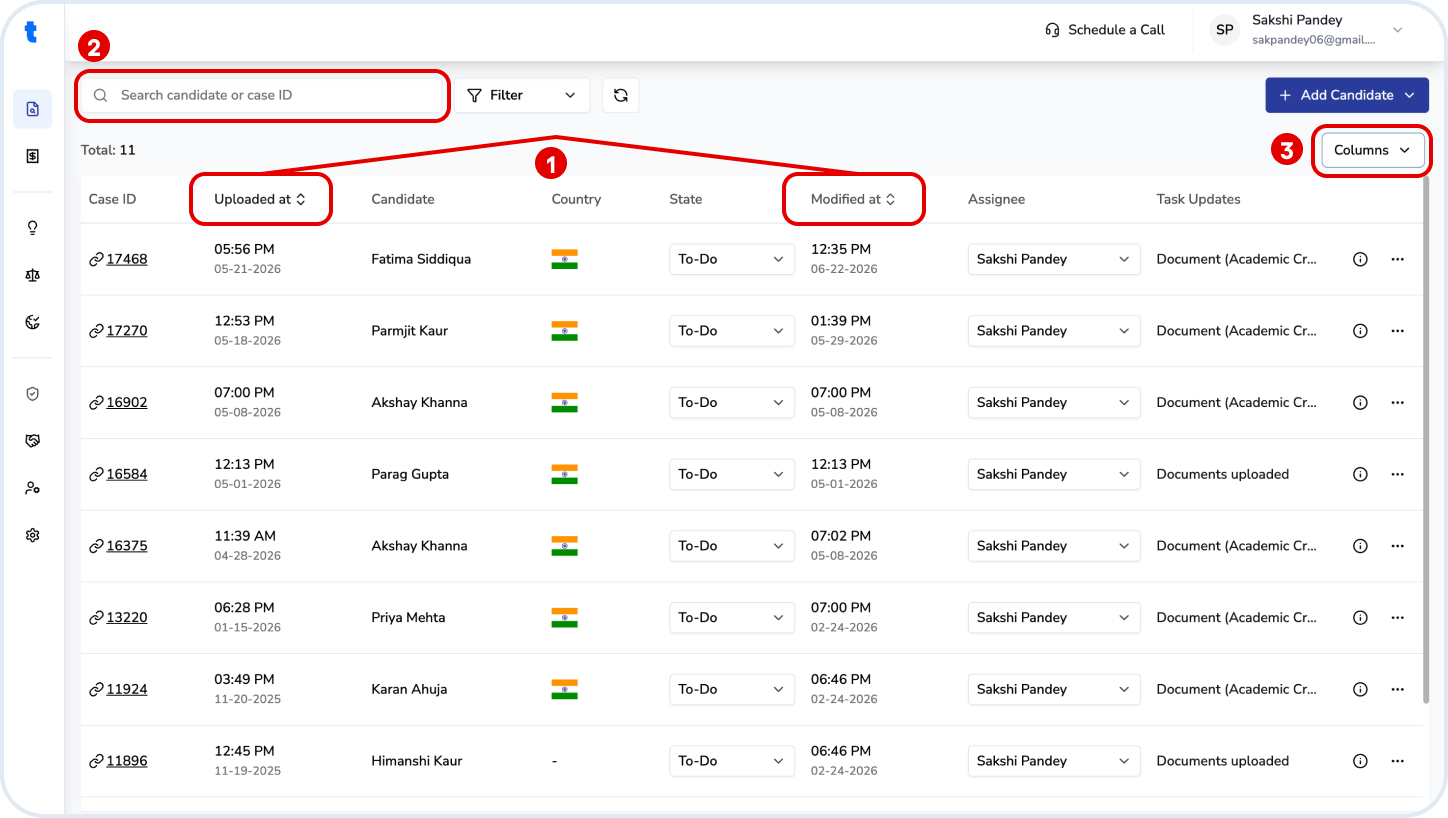
The table shows all cases with key details such as candidate name, country, status, assignee, and recent updates. You can:- Sort cases by Uploaded date or Last modified date
- Search using candidate name or case ID
- Customize visible columns using the Columns dropdown option on the top right
Case Status
Each case can be assigned a workflow status:- To-Do → Not yet started
- In Progress → Currently being worked on
- Done → Evaluation completed
Assignment
Cases can be assigned to users within your organization using the Assignee field. To add or manage users, go to User Management from the left panel.Case Actions
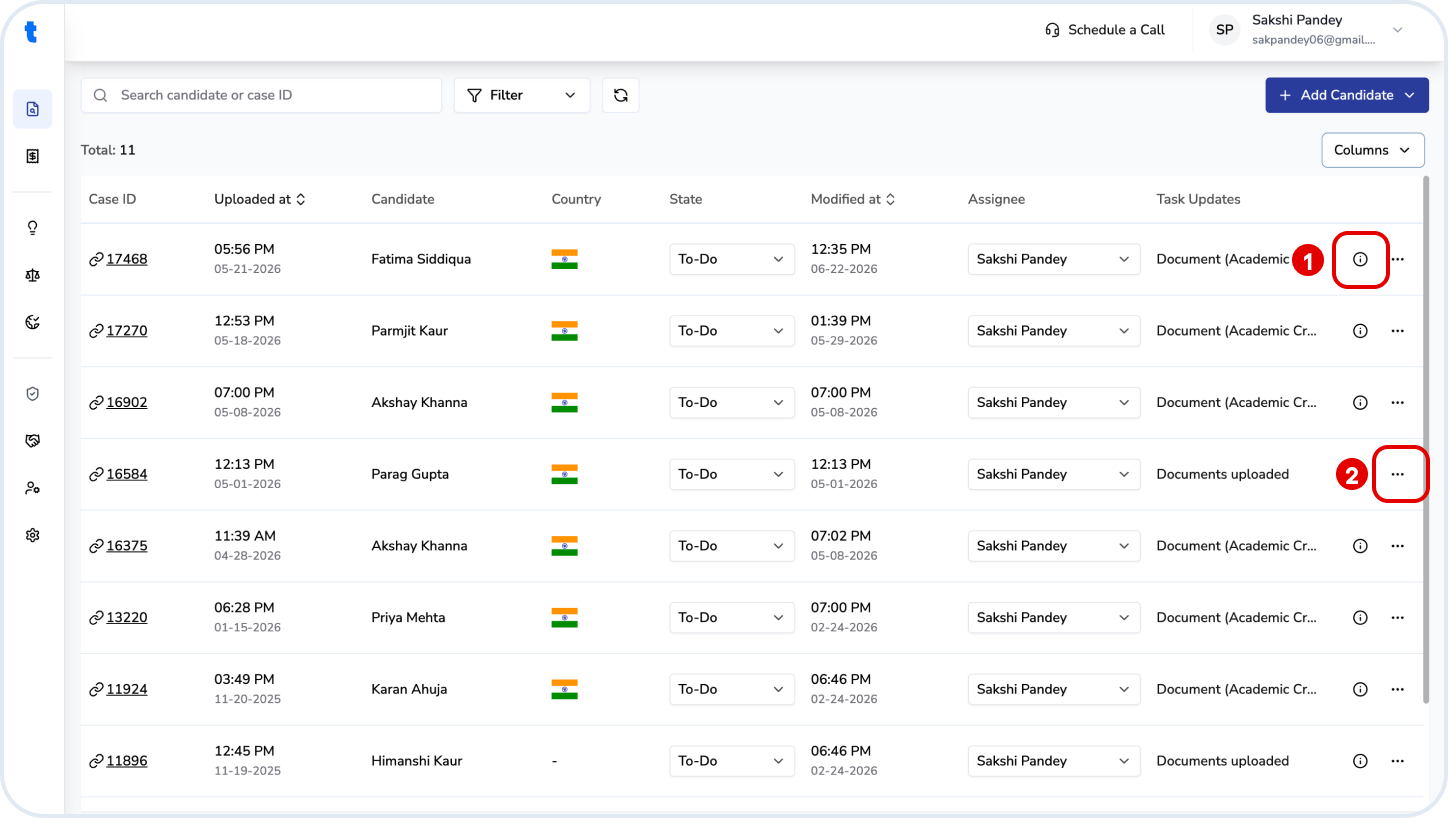
Each case provides additional actions and information:- Info (i) → View details about the status of the candidate’s qualifications’ evaluation
- More options (⋯) → Access actions to the case:
- Remove case
Note
- The Task Updates column shows the latest activity on the case
- Available actions may vary depending on the case status (such as if the evaluation has been completed or not)